Type of configuration
For a new configuration, you first define how BarcodeOCR processes the documents. You make this choice only once: after this step, the type of configuration cannot be changed.
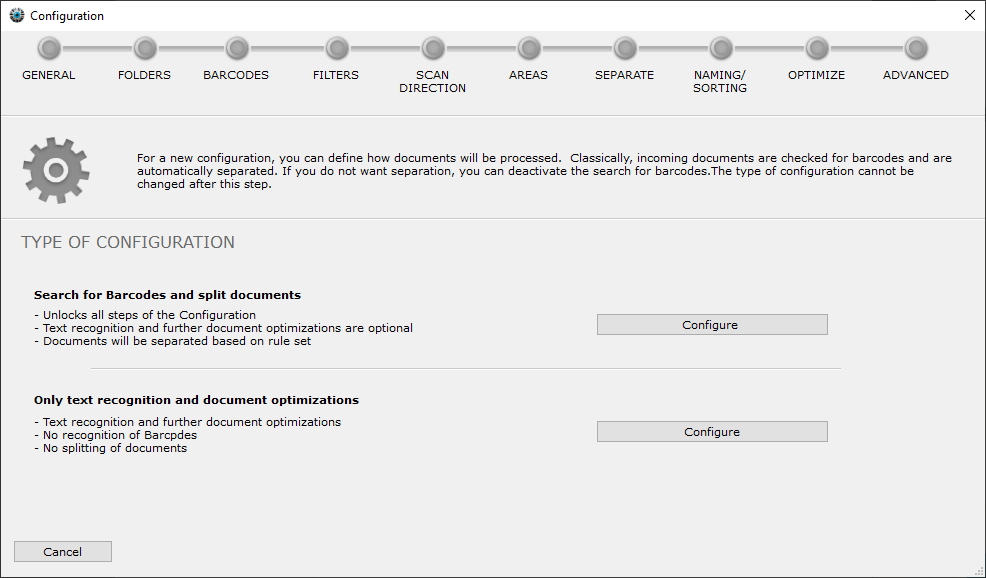
Click Configure next to the type you want.
Search for Barcodes and split documents
This type unlocks all steps and settings of the wizard.
Typical use: incoming documents have barcodes by which the output documents are to be renamed or split.
Only text recognition and document optimizations
BarcodeOCR does not search for barcodes and does not split the documents. Only text recognition and optimization is available.
Typical use: incoming documents contain no barcodes and should only be optimized or made searchable.