Installation
You download the setup from the website and install BarcodeOCR with the setup wizard. The setup also creates the Windows service that later processes your files in the background.
Download
The current version of BarcodeOCR is available in the download area.
Version for your license
Enter your serial number on the download page to download the latest version available for your license.
Install
Administrator rights
You need administrator rights on the system to install BarcodeOCR, because a Windows service for background processing is created.
-
Start the installation by double-clicking the setup file.
-
Select the language for the installation.

-
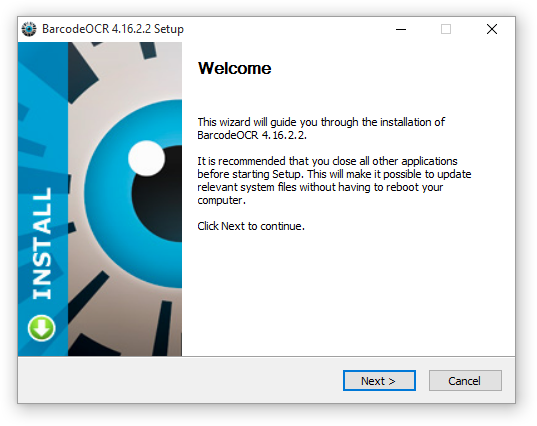
Follow the instructions of the setup wizard to complete the installation.
Next steps
- When you start BarcodeOCR for the first time, you set up the service and can create a sample configuration: Trial version and first start.
- If you have purchased BarcodeOCR, activate your serial number: Activate your license.